
Give your
distractions
to Ru.
Block distracting apps on Android. Tap an inexpensive NFC tag to unblock them.
Coming soon for Android 12+. Requires an NFC-enabled phone.
Your distractions are in good hooves.

How it works.
- 1
Choose your apps.
Choose apps to block, plus websites in supported browsers.
- 2
Block automatically.
Your modes, schedules, and goals keep selected apps blocked until you make a conscious effort to unblock them.
- 3
Tap to unblock.
Complete any active goals, then tap your phone against your paired NFC tag to use your apps again.
One tap.
Apps unblocked.
Bring your phone to your paired NFC tag.
Ru lets your apps go.
Scroll to try it. Or use the button.
Apps blocked.
Your selected apps are unavailable.
Preview only. Your apps won’t be affected.
Do first.
Scroll later.

Make time to move or learn. Set a Move Goal for a run, walk, or ride with Strava, or an App Goal to spend time in an app like Duolingo or Brilliant.
Your distractions stay blocked until you complete every active goal.
Your goals. A part of your routine.
Example weekSet up your focus.
Inexpensive tags.
No special hardware.
Ru works with low-cost, compatible NFC stickers and cards. You don’t need to buy a dedicated device.
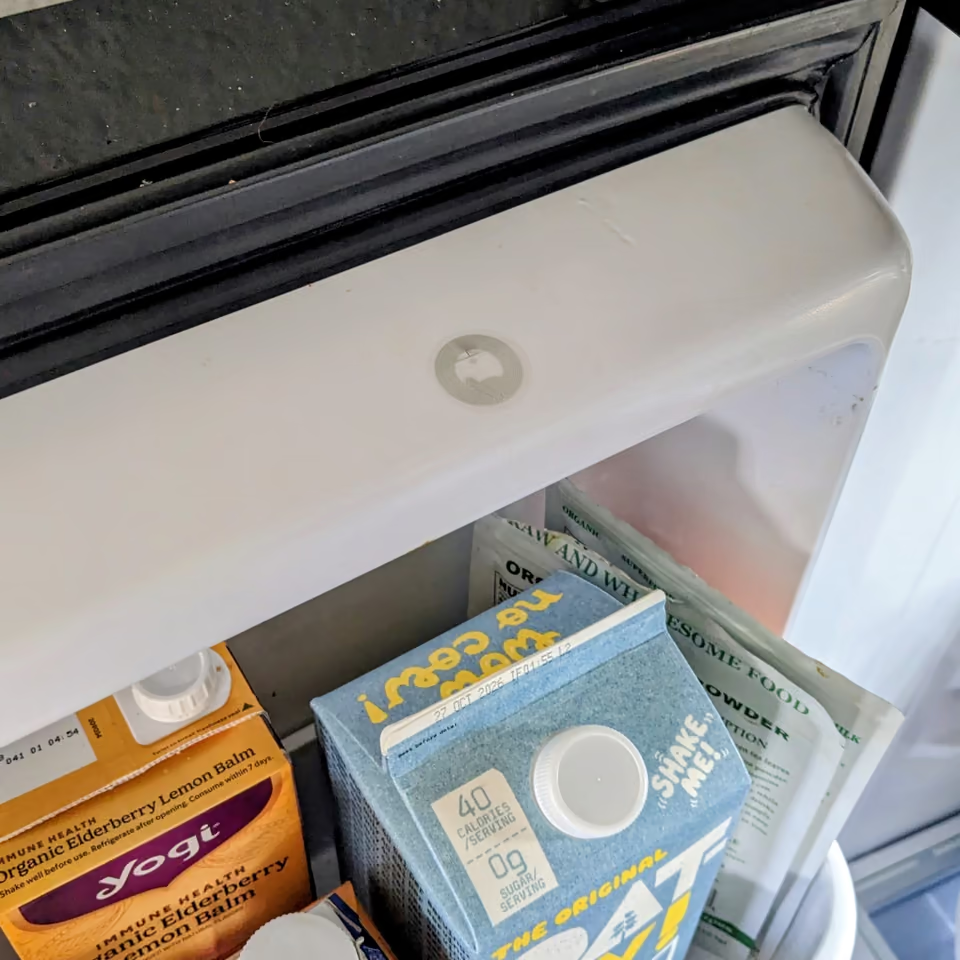
Put a tag on your desk or fridge, away from where you usually scroll. Getting up to tap it gives you a moment to decide whether you need your apps.
Find the right NFC tag
Look for Android-compatible NFC stickers or cards. Rewritable, NDEF-compatible tags let Ru program them for scans outside the app. Search Amazon for NFC tags ↗
You’ll also need an Android 12+ phone with NFC. Pair the tag in Setup before using it to unblock. Check the seller’s compatibility details before buying.
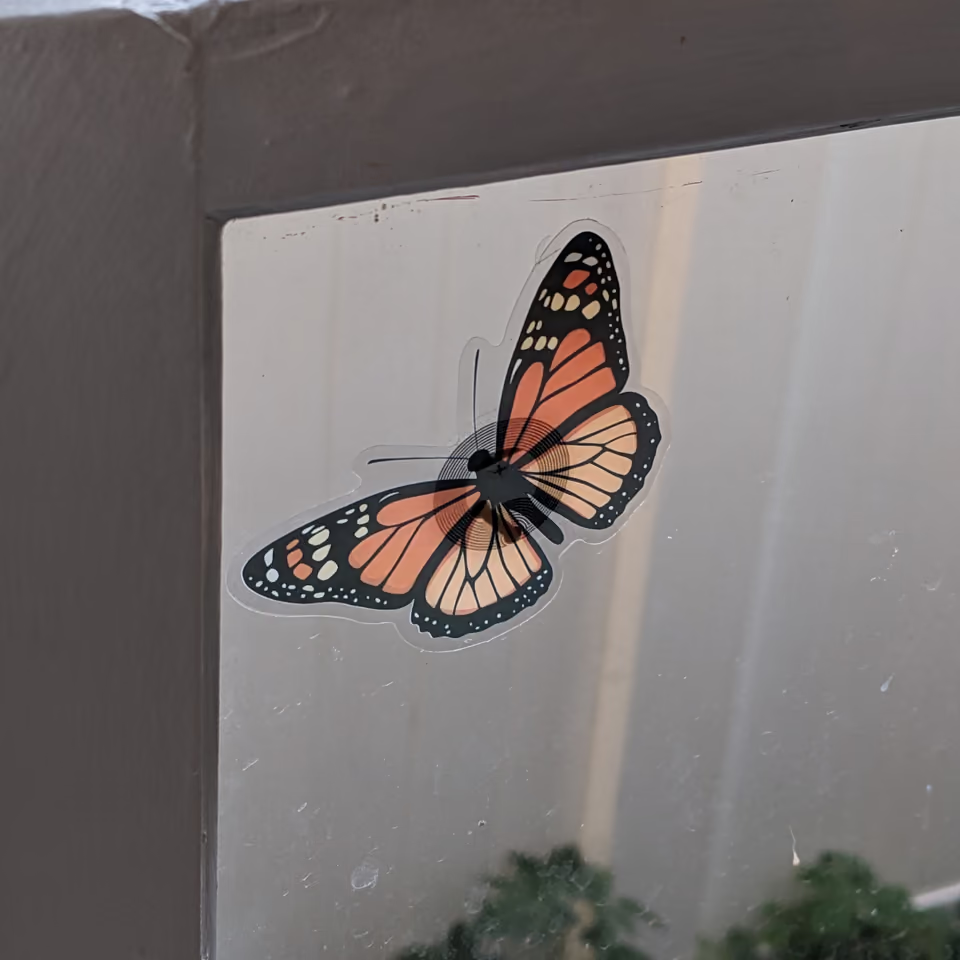
Ru tags in everyday places.

Modes for
your routine.
Choose what to block during work, evenings, or weekends. Set a default mode or schedule modes to start automatically.
Apps block again when time is up.
Breaks with
an end time.
Enable the countdown to block your apps again automatically after a break. The default is 15 minutes; you can change it in settings.
Schedule different break durations for work hours and evenings.
Access without your tag.
Five emergency unlocks per month let you access your apps when you can’t reach your tag. Your allowance resets on the first of each month.
Questions? Read the FAQWorks offline.
No account.
Your settings and focus history stay on your phone.
Ru has no accounts, ads or subscriptions. Blocking works offline. The standard Ru app sends technical crash diagnostics to Google Firebase to help fix problems.
How Ru handles your dataWhy people like Ru
Ru is US $7.99, once. Bring your own compatible NFC tags—available for cents each in multipacks.
| Features & cost | Ru | Brick |
|---|---|---|
| Block apps & websites | YesSupported browsers | Yes |
| Custom focus modes | Yes | Yes |
| Scheduled blocking | Yes | Yes |
| Move Goals with Strava | Yes | No |
| Tap to unblock | Yes | Yes |
| Focus history | Yes | Yes |
| Emergency unlocks | Yes | Yes |
| No account required | Yes | No |
| Bring your own NFC tags | Yes | Requires Brick |
| App cost | US $7.99 once | Included with device |
| Hardware cost | < $0.99Per compatible NFC tag | $59Per Brick device |
NFC tag prices vary by seller and quantity.
The standard Ru app processes blocking rules locally and sends technical crash diagnostics. See Ru’s privacy policy, Brick’s account setup, and Brick’s privacy policy.
USD prices. Brick price and features checked October 15, 2026, against Brick’s product page. Features may vary by platform.
Coming soon
for Android.
You’ll need Android 12+, an NFC-enabled phone, and a compatible NFC tag.